Spas & salonsEarly access
Keep every chair booked.
Services and prices on your website, group bookings and content made for self-care. Want it first?
See what's comingSeflab puts your website, social posts, Google reviews and customer emails in one dashboard, made for the kind of business you run.

Book more parties. Bring guests back.
Keep every chair booked.
Services and prices on your website, group bookings and content made for self-care. Want it first?
See what's comingRun another kind of business?
Tell us what you run. We add new businesses one at a time.
Email usOne login for the marketing work that usually takes an agency, or your nights and weekends.
Change words, photos, pages and pop-ups yourself. Preview, then publish.
AI drafts posts and flyers in your logo, colors and fonts.
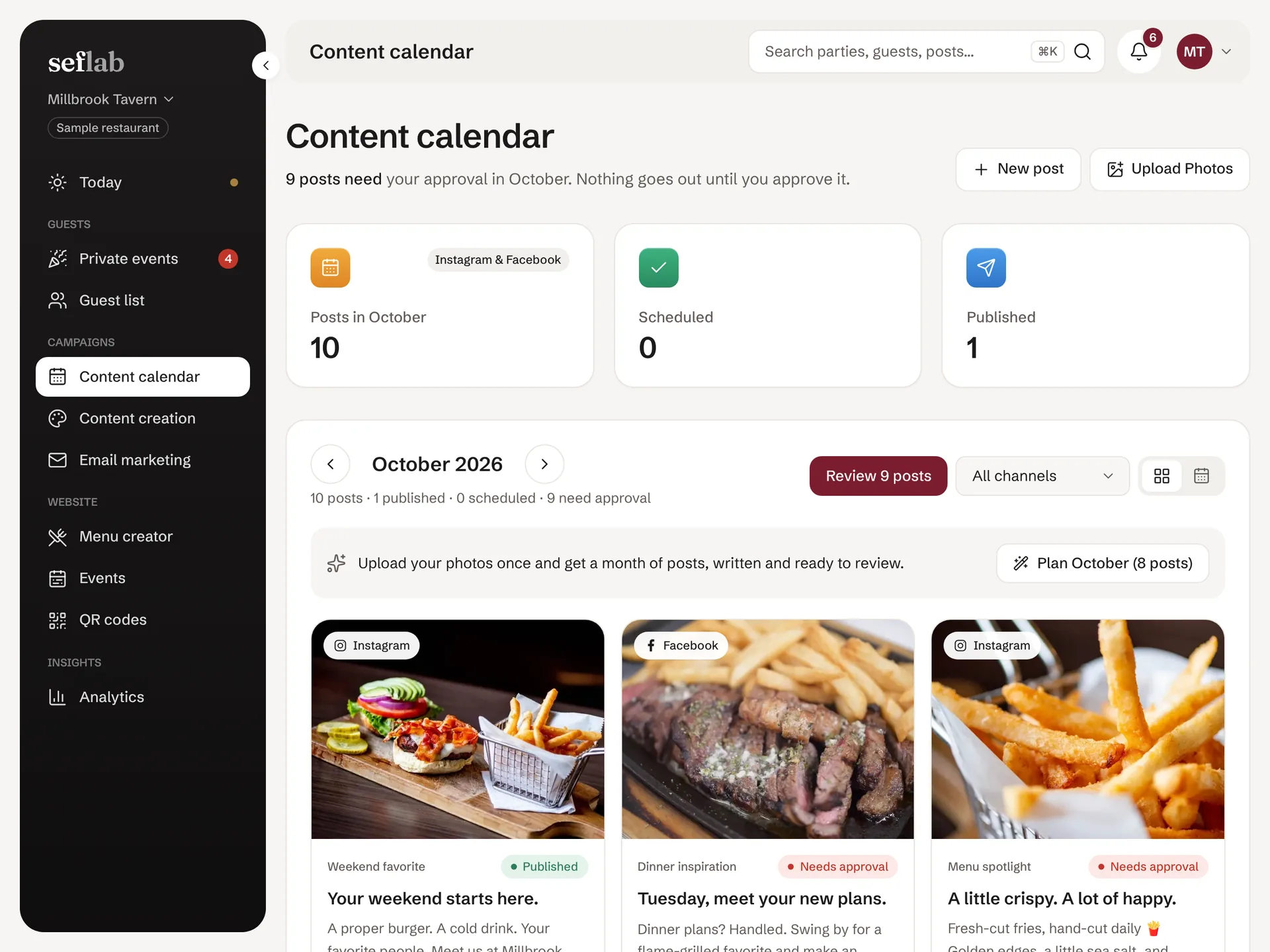
Plan the month on a calendar. Posts go out only after you approve.
Every new review, with a reply drafted. Approve one or all at once.
Email customers who opted in. See opens and clicks.
Upload from your phone. Every tool picks from your own photos.
Codes for your counter and tables, with scan counts.
Separate logins for owners, managers and staff.
Your website is connected to Seflab. Change the words, photos, pop-ups and pages yourself, check them in the live preview, and publish when it looks right. Need something special? Request a custom page and our team builds it.
A short film of the Seflab website editor: changing the headline, swapping the main photo for one from the photo library, turning on a pop-up, adding a new page from a ready-made layout and publishing, with a live preview of the website updating beside the editor.
The real Seflab website editor, shown with a sample restaurant and a sample spa.
Posts, review replies and emails wait for your approval.
Bookings, orders and payments stay where they are. Seflab links to them.
The words, ideas and pages fit what you run, not a one-size template.
Every tool, for one price. Cancel any time.
$299/month
Or $2,870 a year, saving $718
Restaurants and bars can start today. Spas and salons are next.
Already have an account? Sign in


